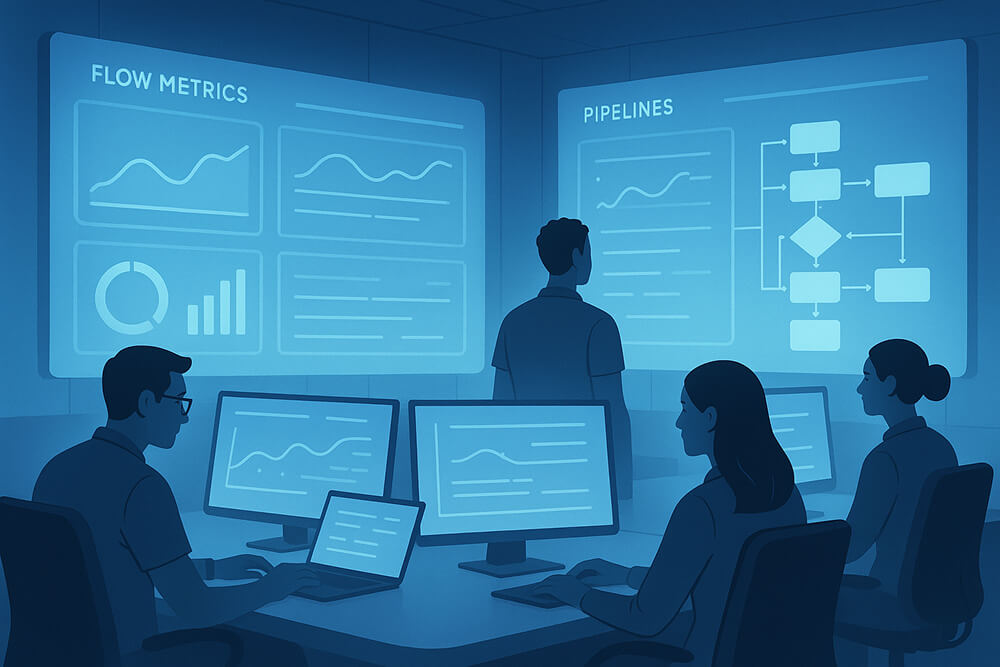
A strong engineering organization understands how work flows through the system and why it slows down. It knows where friction appears, how to remove it safely, and what truly improves speed without trading away quality.
A Developer Experience (DX) Dashboard is the compass that guides these insights. It brings clarity to the entire engineering process, showing a few trustworthy, actionable signals instead of overwhelming teams with endless charts.
What is a DX Dashboard?
Think of a DX Dashboard as the control room for your software delivery system. It reflects the inner loop of everyday development, writing code, reviewing, merging, releasing, and learning from production outcomes.
Its goal is to monitor the health of the system, not the performance of individuals. Metrics that can be used to rank people are counterproductive; they shift focus from collaboration to competition.
A well-designed dashboard answers two questions consistently:
- Where is the flow being slowed or blocked?
- Which actions can remove that friction without harming reliability?
When those two answers are clear, engineering teams can move more efficiently, make better decisions, and build with greater confidence.
Core Principles of Building a DX Dashboard
1. Outcome Over Vanity
Don’t measure progress by superficial activity. Instead, use outcomes that show flow and quality.
For instance, the lead time from commit to production shows how quickly code adds value. On the other hand, the number of commits doesn’t say anything about quality or efficiency.
2. Fewer, Stable Metrics
A dashboard is only useful if everyone recognizes and relies on it.
Five to eight consistently defined tiles create shared language; twenty ever-changing ones create noise.
3. Single Source of Truth
Get information from systems that already have it, like Git hosts, CI/CD pipelines, observability tools, and incident trackers.
This ensures the numbers reflect reality rather than someone’s spreadsheet interpretation.
The Essential Metrics in a DX Dashboard
1. Flow Efficiency
Flow metrics show how smoothly work moves from idea to production.
- PR cycle time (P50/P90): open → first review → merge. Spikes reveal review bottlenecks or oversized changes.
- Batch size: median lines changed per PR. Smaller, focused changes correlate with faster, safer delivery.
- Lead time to prod: commit → deploy. Useful for seeing the real impact of queueing, staging gates, or change windows.
2. Build & Test Health
Captures the speed and reliability of your automation pipeline.
- CI median duration and flake rate: <10 minutes keeps momentum; flakiness is an attention tax.
- Test pyramid coverage: unit vs. integration vs. E2E counts, plus pass rate. You want fewer, sturdier E2E checks—not more brittle ones.
3. Release Reliability
- Change failure rate: deployments that cause incidents or rollbacks within 24-48 hours.
- MTTR (Mean Time to Restore): time from detection to mitigation. Pair this with how rollbacks occur (flag, revert, deploy).
4. Production Signals
The production environment provides valuable feedback about the actual impact of changes.
- Error budget burn: percent of SLO consumed this window. Shows whether the release pace is outstripping reliability.
- Top recurring alerts: the noisy five. Track “alerts eliminated” as a positive number.
5. Collaboration & Review
- Time to first review: A fast first touch reduces total cycle time.
- Review load distribution: Are three people doing all the reviews? If so, expect hidden queues.
Anti-Patterns to Avoid When Creating DX Dashboards
A Developer Experience Dashboard is a strong tool, but it’s also easy to use incorrectly. If you give people the wrong incentives, use the wrong metrics, or make the wrong design choices, trust can quickly erode, and stress can take over, rather than leading to improvement.
Individual Scorecards
- When dashboards start comparing people, they stop improving systems.
- Metrics like “commits per engineer” or “PRs merged per person” shift attention from teamwork to self-protection.
- Developers begin optimizing numbers instead of solving real problems.
Metric Churn
- When the definition of a metric keeps changing, it loses value.
- Changes in definitions occur frequently, making it impossible to accurately compare with the past.
- Engineers eventually stop believing the numbers.
Over Instrumentation
- Too many metrics make it hard to stay focused.
- The system becomes self-absorbed if engineers spend more time tagging tickets, sorting PRs, or fixing dashboards than writing code.
Vanity Metrics
- Some metrics may appear impressive but hold little meaning.
- “Number of commits,” “lines of code changed,” or “tickets closed” don’t tell you anything about flow efficiency or product quality.
- These metrics convey a sense of progress but do not provide meaningful insight.
Wrapping Up
Many teams begin with a productivity dashboard and gradually refine it to focus on developer-centric signals. The destination is a developer dashboard that helps people decide what to fix next and shows whether those fixes worked. Keep the surface area small, the definitions stable, and the links deep. The result isn’t just nicer charts; it’s a calmer, faster way to ship.
